A Watch for a Phone-Free School Day: Japanese Watches for Kids
 By Kotaro·Updated Sep 16, 2026·9 min read
This guide contains affiliate links: if you buy through one, the shop may pay me a small commission at no extra cost to you. How I choose and how I earn
If your child's school restricts phones and internet-connected smartwatches, a simple watch is one way to keep track of time. Check the school's current policy first, then choose by readability, wrist fit and sound settings. Three Casio watches — an analog and two digitals — with what the manuals say about alarms, chimes and beeps.
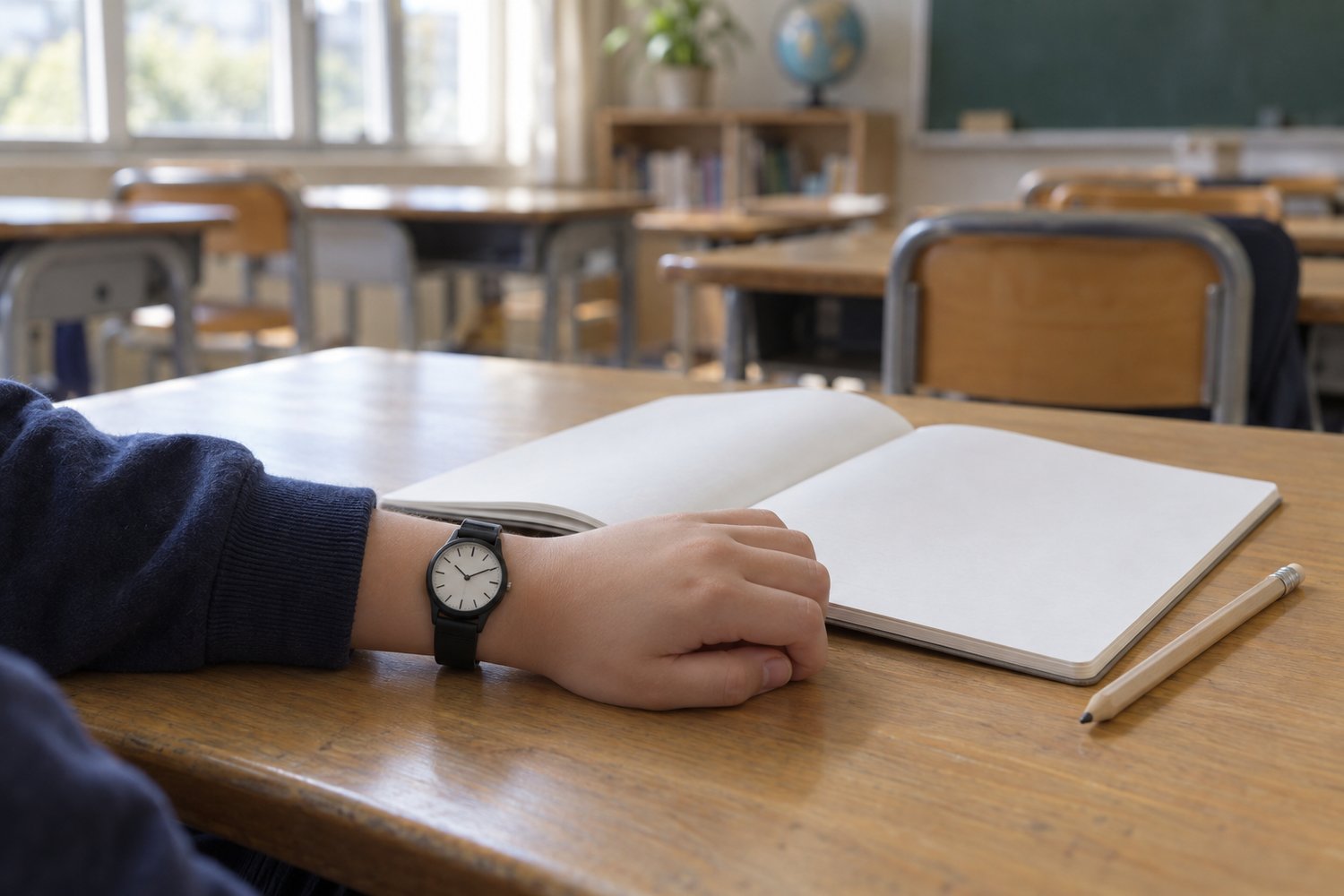
Some schools ask students to put phones away for the school day, and some of those rules cover smartwatches too. That leaves a small, practical question for parents at the start of the school year: how does your child check the time between classes, at lunch, or before the bus?
A simple watch is one answer. Not a smartwatch, and not a replacement for anything — just a watch that tells the time and doesn’t connect to anything. This page is about choosing one, after you’ve checked what your child’s school actually allows.
I’m a designer in Japan, not a watch reviewer or an education expert, and I haven’t used the three watches below. What follows is what Casio’s specifications and manuals say, what the shop states, and what to check with your school and your child. The watches are Japanese brand (Casio); that isn’t the same as made in Japan, and their Japanese-market model numbers don’t mean they’re sold only in Japan.
Check the school’s rules before the features
Rules differ from state to state, district to district and school to school. There’s no single US rule, and not every school restricts every smartwatch.
One example: New York. New York’s Phone-Free Schools law, passed in the state’s FY2026 budget, required school districts, charter schools and BOCES to adopt a policy by 1 August 2025. It restricts unsanctioned use of internet-enabled devices on school grounds for the whole school day, “bell to bell”. The state defines those devices to include smartphones, tablets and smartwatches that can connect to the internet, and says devices that can’t connect to the internet are not included. The law also sets exemptions, including for managing a student’s healthcare, emergencies, translation, some student caregivers, specific educational purposes, and devices included in a student’s IEP or Section 504 plan. Schools must post their policy on their website. (Source: New York State, Phone-Free Schools Law, checked 13 September 2026.)
Whatever state you’re in:
- Read your school’s current policy, usually posted on the district or school website, and ask the office if anything is unclear.
- Check the details that matter for a watch. Are watches allowed in class? In exams? In PE and school sports?
- Ask about exemptions if your child has a medical or other need for a connected device. A simple watch isn’t a substitute for a device your child needs for their health.
- Don’t treat any watch as “approved”. A watch with no internet connection isn’t automatically allowed everywhere; teachers, exam rooms and sports can have their own rules.
What makes a good school watch
Once you know what’s allowed, these are the things to compare:
- No internet, no notifications. None of the three below connects to a phone or the internet.
- Easy to read. Numbers or hands, whichever your child reads fastest.
- Fits the wrist. Check the maker’s band range against your child’s measured wrist, not just the case size. For more on this, see the guide to a first watch for a 12-year-old.
- Light and simple to use. Few buttons, clear functions.
- Sound you can control. Can the alarm and hourly beep be turned off? Are there sounds that can’t be?
- Tough enough for a school day. Resin cases and bands, and water resistance suited to everyday use.
Three to compare
Specifications are Casio Japan’s, with sound details from Casio’s instruction manuals. Prices are Discovery Japan Mall’s in yen on 16 September 2026, before shipping and any duties; all three were listed as in stock that day. Listed by type, not by price.
| Casio MQ-24-7BLLJH | Casio F-91W-1JH | Casio BABY-G BGD-565U-1JF | |
|---|---|---|---|
| Display | Analog (3 hands) | Digital | Digital |
| Case (H×W×D) | 38.8 × 34.9 × 7.8mm (1.53 × 1.37 × 0.31 in) | 38.2 × 35.2 × 8.5mm (1.50 × 1.39 × 0.33 in) | 42.1 × 37.9 × 11.3mm (1.66 × 1.49 × 0.44 in) |
| Weight | 20g (0.7 oz) | 21g (0.7 oz) | 30g (1.1 oz) |
| Band fits | 145–205mm (5.7–8.1 in) | 145–200mm (5.7–7.9 in) | 125–180mm (4.9–7.1 in) |
| Alarm / hourly signal | None listed | Both can be turned off | Both can be turned off |
| Sounds that remain | None listed | Stopwatch button signal | Timer end beep (if timer used) |
| Water resistance | Daily use | Daily use | 10 bar |
| Battery (Casio’s guide) | About 3 years | About 7 years | About 3 years |
| Shop price | ¥2,730 (about $20) | ¥3,480 (about $25) | ¥10,841 (about $75) |
For a child who reads a clock face: Casio MQ-24-7BLLJH (analog)
Who it suits. A child who reads hands comfortably and wants the simplest possible watch: no buttons to press, nothing to beep.
Why this one. It’s a plain three-hand analog, the lightest and thinnest of the three at 20g and 7.8mm. Its specifications list no alarm or other sound functions, and Casio’s manual for its movement covers only setting the time with the crown. For a quiet classroom, that’s the simplest answer.
Casio’s specifications. Case 38.8 × 34.9 × 7.8mm; 20g; resin case and band; resin crystal; daily-use water resistance; battery life about 3 years (Casio’s guide figure); accuracy ±20 seconds a month; band fits 145–205mm wrists. Casio notes the model number changed from MQ-24-7BLLJF to MQ-24-7BLLJH with no change to the specifications.
Know before you buy. Your child has to be comfortable reading an analog face quickly. Casio lists no light, so it may be hard to read in the dark. No date, alarm or stopwatch. Its water resistance is the basic daily-use level, not for swimming. The shop’s listing gives the weight as 18g; this guide uses Casio’s 20g.
Packaging. The shop’s listing says it comes in a blister pack with an instruction manual and warranty card.
For a child who wants numbers: Casio F-91W-1JH (digital)
Who it suits. A child who reads digits faster than hands and would use a stopwatch or alarm outside class.
Why this one. A long-running basic digital, 21g and 8.5mm thin. Casio’s manual shows the daily alarm and the hourly time signal can be switched on or off with the A button in alarm mode, including both off.
Casio’s specifications. Case 38.2 × 35.2 × 8.5mm; 21g; resin case and band; resin crystal; daily-use water resistance; battery life about 7 years (Casio’s guide figure); stopwatch, daily alarm, hourly time signal, LED backlight; accuracy ±30 seconds a month; band fits 145–200mm wrists. Casio notes the model number changed from F-91W-1JF to F-91W-1JH with no change to the specifications.
Sound, per the manual. The alarm sounds for 20 seconds and the time signal beeps every hour, unless each is turned off. Turning them off doesn’t make the watch fully silent: the manual says a signal confirms each start/stop press of the stopwatch, and it shows no setting to switch that off. Holding the A button in alarm mode also plays a sound test.
Know before you buy. Standard band fits wrists from 145mm. Daily-use water resistance, not for swimming. The shop’s listing title says F-91W-1JH while its description gives the old number, F-91W-1JF — the same watch, per Casio.
Packaging. Blister pack with manual and warranty card, per the shop’s listing.
For a smaller wrist, and a bit tougher: Casio BABY-G BGD-565U-1JF (digital)
Who it suits. A child whose wrist is under 145mm, or who wants a more rugged digital watch. It’s from Casio’s BABY-G line, which Casio markets to women; it’s included for its size, not as a children’s model, and it isn’t a G-SHOCK. Show your child before buying.
Why this one. Casio lists its band as fitting wrists from 125mm. It adds a shock-resistant structure and 10-bar water resistance at 30g. The manual shows how to turn off the alarm and the hourly time signal, and it has an optional flash alert that lights the display with the alarm and hourly signal when switched on.
Casio’s specifications. Case 42.1 × 37.9 × 11.3mm; 30g; resin case and band; mineral crystal; shock-resistant structure; 10-bar water resistance; battery life about 3 years (Casio’s guide figure); stopwatch, timer, alarm, hourly time signal, LED backlight; band fits 125–180mm wrists.
Sound, per the manual. The alarm beeps for 20 seconds and the hourly signal beeps on the hour unless turned off. The timer beeps at the end of a countdown. The manual doesn’t show a setting for button-operation sounds, and this guide couldn’t confirm whether the buttons beep.
Know before you buy. Larger and thicker than the other two. Shock-resistant and water-resistant don’t mean suitable for every sport or water activity.
Packaging. The shop’s listing doesn’t state packaging or contents; ask before ordering if it matters.
Before the first day: set it up together
Ten minutes the evening before school starts:
- Set the time and date together, using the manual. For the MQ-24, that’s pulling out the crown and turning it.
- Turn off what might ring in class. On the digital watches, switch off the daily alarm and the hourly time signal, and check the indicators on the display have gone. Remind your child that the F-91W’s stopwatch buttons still beep, and the BGD-565U’s timer beeps when it ends.
- Practise the light and the buttons, so your child isn’t pressing things for the first time in a quiet room.
- Check the fit. Buckle it on the hole they’ll use daily and have them write, pull on a sleeve and pick up a bag.
- Go over the rules. Where the watch is fine, and where it has to come off (PE, some exams, some sports).
A watch won’t change how your child learns or behaves, and this guide doesn’t claim it will. It just tells the time.
Buying, shipping and returns
Okurimono Japan doesn’t sell anything. “Check Price” takes you to the product page on Discovery Japan Mall, an independent Japanese retailer (not Casio’s own shop). You buy and pay there, and the shop handles shipping, returns and support.
- Price. Prices above are the shop’s in yen on 16 September 2026, before shipping and any duties. Shipping is added at checkout.
- Duties and taxes. The shop’s Customs Duties page says duties, taxes and clearance fees aren’t included and are collected on delivery. Check the current position with the carrier rather than relying on old duty-free rules.
- Timing. The shop’s product pages don’t state a dispatch time, and delivery depends on carrier and customs. No arrival date is guaranteed, so allow time before the school year starts.
- Returns. The shop’s Returns & Exchanges page, checked 13 September 2026, doesn’t accept change-of-mind returns. Damaged, defective or incorrect items must be reported within 7 days of delivery with photos, and returns need approval first. Open the parcel when it arrives and check the watch works.
- Warranty. The same page says the shop’s watches are Japanese domestic models and that the domestic warranty isn’t valid overseas unless a worldwide warranty card is included; warranty service means shipping to Japan at your cost both ways, typically 2 to 3 months. That’s the shop’s term, separate from Casio’s own warranty.
More on ordering from Japan is on How to Buy. For an older student, see a first G-SHOCK for a child starting high school; more in the Watches category.
Frequently asked questions
- Are smartwatches banned in US schools?
- There's no single US rule. Policies vary by state and by school district. New York, for example, has a statewide law restricting unsanctioned use of internet-enabled devices, including smartwatches that can connect to the internet, during the whole school day, with exemptions. Check your own school's current policy.
- Is a watch without internet allowed at every school?
- Not necessarily. New York's law doesn't cover devices that can't connect to the internet, but schools, teachers, exam rooms and sports can have their own rules about watches. Read the school's posted policy, and ask if anything is unclear.
- Can I turn off the alarm and hourly beep on these watches?
- On the two digital watches, yes. Casio's manuals for the F-91W and the BABY-G BGD-565U show how to turn off the daily alarm and the hourly time signal. That isn't the same as fully silent: the F-91W's manual says a signal sounds with each press of the stopwatch button, and the BGD-565U's timer beeps when a countdown ends. The analog MQ-24 has no alarm or other sound functions in its specifications or manual.
- Should I choose analog or digital?
- Whichever your child reads quickly. A digital display shows the time as numbers and adds an alarm and stopwatch. An analog face has no buttons or beeps, but your child needs to be comfortable reading hands. If you're not sure, ask them to read both.
- Which one fits a small wrist?
- Check the band range, not the case size. Casio lists 145–200mm for the F-91W, 145–205mm for the MQ-24, and 125–180mm for the BGD-565U. Measure your child's wrist; if it's under 145mm, only the BGD-565U's standard band is listed to fit.
- Can my child swim with one?
- Don't assume so. The F-91W and MQ-24 have Casio's basic daily-use water resistance, which isn't intended for swimming. The BGD-565U is rated to 10 bar; check Casio's manual for which water activities that covers.
- What if it isn't right for my child?
- Discovery Japan Mall doesn't accept change-of-mind returns. It replaces or refunds items that arrive damaged, defective or incorrect, reported within 7 days of delivery with photos and approved by the shop before they're sent back.